
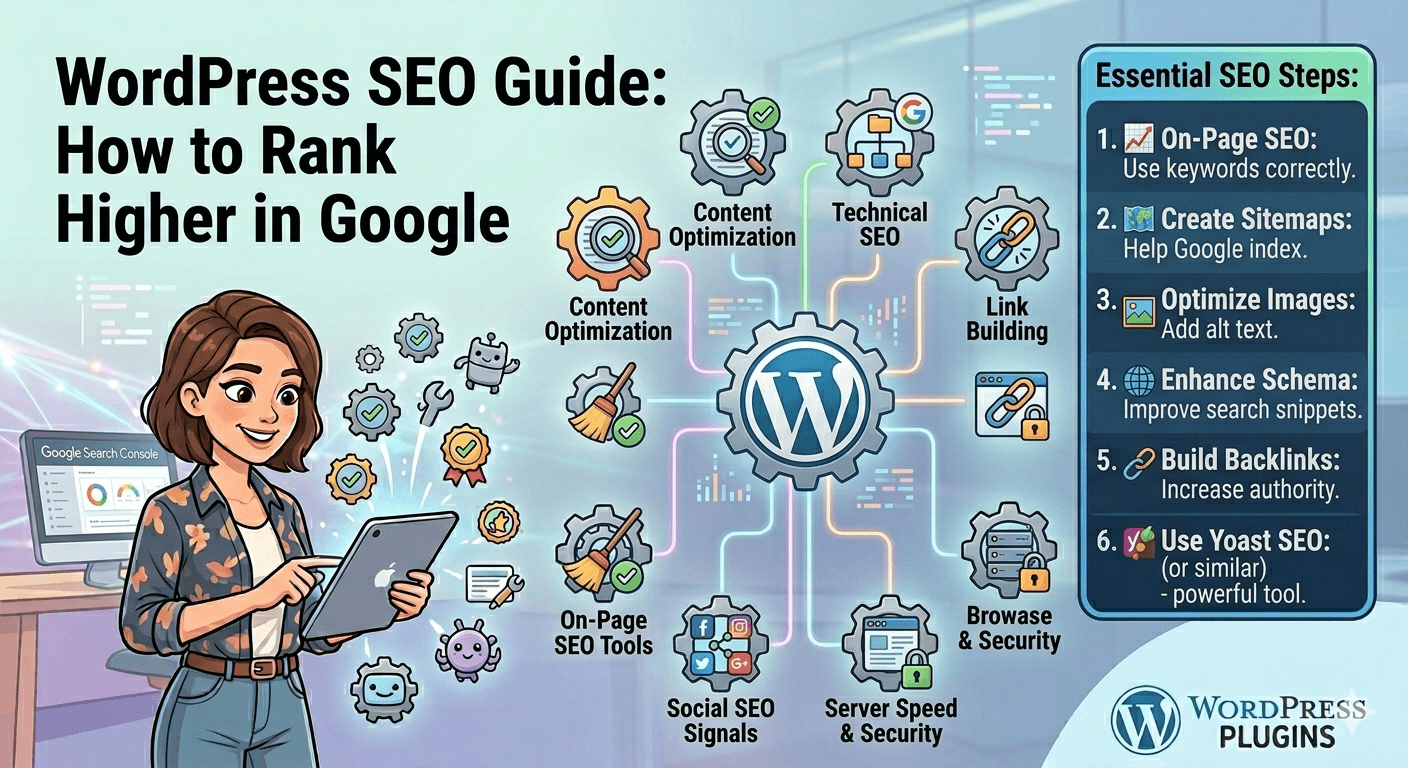
WordPress SEO Guide How to Rank Higher in Google
Ranking higher in Google is one of the main goals for any website owner, and if you’re using WordPress, you already have a strong foundation. However, SEO success depends on how well you optimize your content, structure, and technical setup. With the right strategy, even a beginner can improve visibility and attract consistent organic traffic.
1. Start with Proper SEO Setup
Before creating content, make sure your website is properly configured for search engines. Install an SEO plugin like Yoast SEO or Rank Math. These tools help you optimize titles, meta descriptions, sitemaps, and readability, making your site more search-friendly from the start.
2. Do Keyword Research
SEO begins with understanding what your audience is searching for. Use keyword research to find relevant topics with good search volume and low competition. Focus on long-tail keywords, as they are easier to rank for and attract more targeted visitors.
3. Create High-Quality Content
Google rewards valuable, informative, and original content. Instead of writing short or generic posts, focus on in-depth articles that fully answer user questions. Include examples, explanations, and structured sections to improve readability.
4. Optimize On-Page SEO
Every page should be optimized for a specific keyword. This includes using the keyword in the title, headings, URL, and naturally throughout the content. Also, add internal links to other relevant pages on your website to improve structure and navigation.
5. Improve Website Speed
Website performance is a ranking factor. A slow site can hurt both SEO and user experience. Use caching tools like WP Rocket and image optimization plugins like Smush to keep your website fast and efficient.
6. Make Your Site Mobile-Friendly
Most users browse on mobile devices, so responsive design is essential. Choose a mobile-optimized theme and test your site regularly to ensure it works smoothly across all screen sizes.
7. Build Internal and External Links
Internal linking helps Google understand your website structure, while external backlinks increase authority. Focus on linking related content within your site and earning links from trusted websites in your niche.
8. Optimize Images and Media
Use descriptive file names and alt text for images. This helps search engines understand your content and improves visibility in Google Images search results.
9. Use Schema Markup
Schema helps search engines better understand your content and can improve how your pages appear in search results (rich snippets). SEO plugins often include built-in schema options.
10. Monitor Performance
Track your SEO progress using tools like Google Search Console and analytics platforms. This helps you understand what is working and where improvements are needed.
Final Thoughts
SEO is a long-term strategy, not a quick fix. Success comes from consistent content creation, technical optimization, and user-focused improvements. With the right tools and approach, WordPress gives you everything you need to grow your rankings and attract steady organic traffic from Google.