
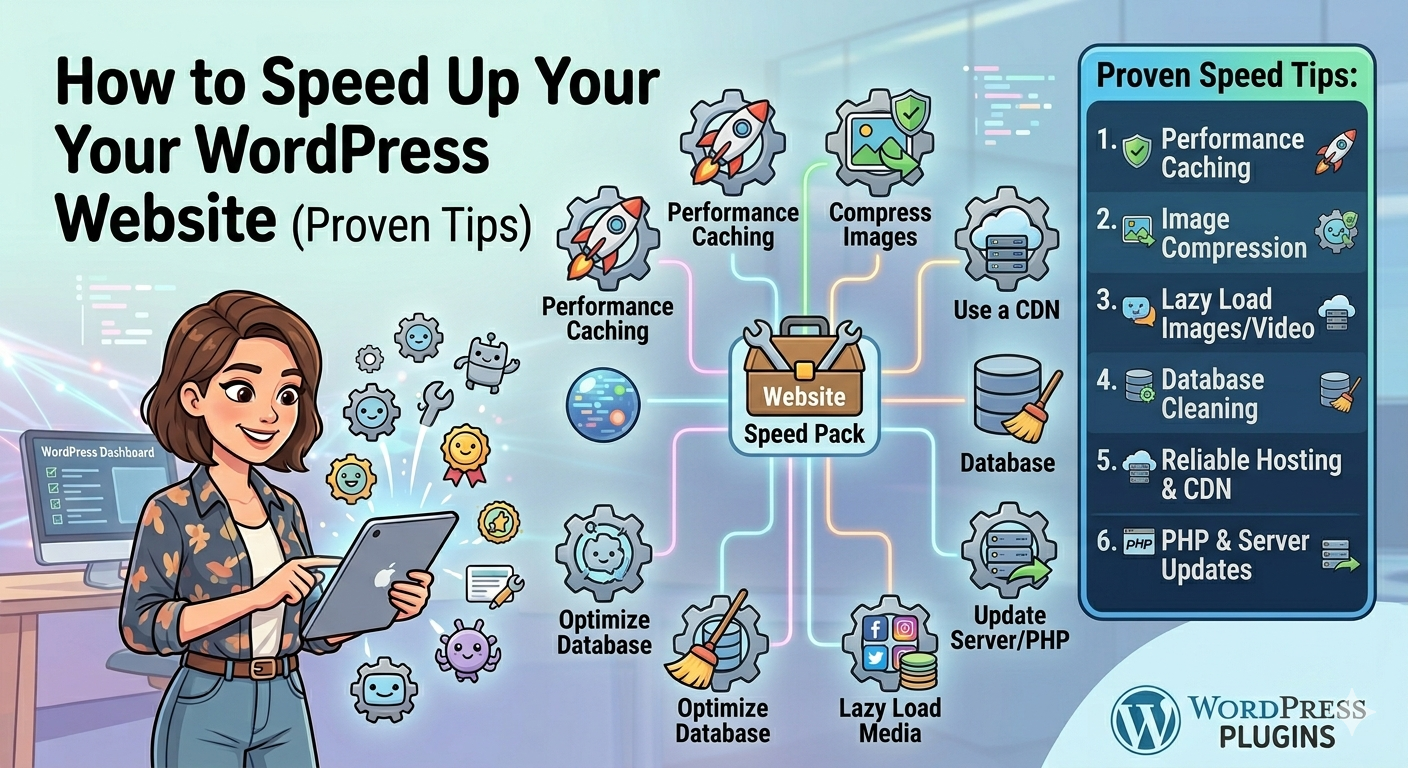
How to Speed Up Your WordPress Website (Proven Tips)
Website speed is one of the most important factors for user experience, SEO rankings, and conversions. A slow website can increase bounce rates and reduce trust, while a fast website keeps visitors engaged and improves performance in search engines. If you’re using WordPress, there are several proven ways to significantly improve speed without advanced technical skills.
1. Choose Fast and Reliable Hosting
Your hosting provider is the foundation of your website speed. Cheap or overloaded hosting often causes slow loading times. A quality hosting service optimized for WordPress ensures better performance, stability, and uptime.
2. Use a Lightweight Theme
Not all themes are built for speed. Heavy themes with too many features can slow down your website. Choose a clean, optimized theme that focuses on performance and only includes the features you actually need.
3. Install a Caching Plugin
Caching is one of the most effective ways to speed up WordPress. Plugins like WP Rocket store static versions of your pages so they load faster for visitors. This reduces server load and improves overall performance instantly.
4. Optimize Images
Large images are one of the main reasons for slow websites. Use tools like Smush to compress images without losing quality. Always upload properly sized images instead of oversized files.
5. Minify CSS, JavaScript, and HTML
Reducing unnecessary code helps your website load faster. Many performance plugins automatically minify files by removing extra spaces and optimizing scripts.
6. Use a Content Delivery Network (CDN)
A CDN distributes your website content across multiple servers worldwide, so users load your site from the closest location. This significantly improves speed, especially for global audiences.
7. Limit Plugins
Too many plugins can slow down your website. Only use essential and well-coded plugins. Regularly review and remove plugins you no longer need.
8. Optimize Your Database
Over time, WordPress databases collect unnecessary data like revisions, spam comments, and temporary files. Cleaning and optimizing your database improves performance and reduces load time.
9. Enable Lazy Loading
Lazy loading ensures images and videos load only when they appear on the screen. This reduces initial page load time and improves perceived speed for users.
10. Keep WordPress Updated
Always update WordPress core, themes, and plugins. Updates often include performance improvements and security fixes that help your website run smoothly.
Final Thoughts
Speed optimization is not a one-time task—it’s an ongoing process. A fast website improves SEO, increases user satisfaction, and boosts conversions. By combining good hosting, optimized images, caching, and smart plugin usage, you can significantly improve your WordPress performance and deliver a better experience for every visitor.uam quam suspendisse vitae consequat phasellus non odio morbi bibendum odio libero.