
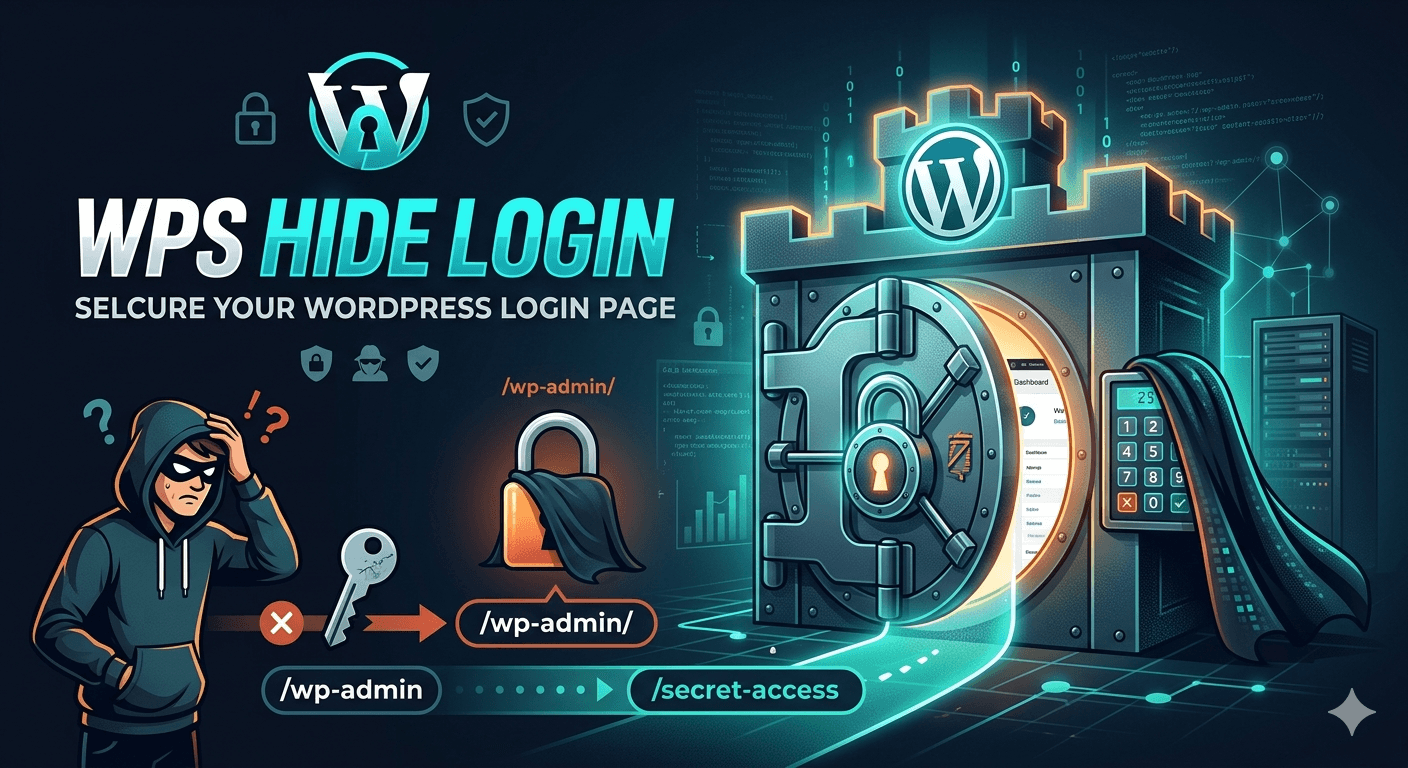
How to Protect Your WordPress Login Page with WPS Hide Login
Keeping your WordPress website secure should always be a top priority. One of the most common targets for hackers is the default WordPress login page, usually found at /wp-admin or /wp-login.php. Since these URLs are widely known, attackers often use brute force attacks to try thousands of username and password combinations. Fortunately, there is a simple and effective solution — the WPS Hide Login plugin.
What Is WPS Hide Login?
WPS Hide Login is a lightweight WordPress security plugin that allows you to change the default login URL of your website without modifying core files. Instead of using the standard /wp-admin page, you can create a custom login URL that only you and your team know.
This small change can significantly reduce unwanted login attempts and automated bot attacks targeting your website.
Why Changing the Login URL Matters
Hackers and bots constantly scan websites looking for default WordPress login pages. Once they find them, they try to gain access using automated password attacks. Even if they fail, these repeated attempts can slow down your website and create unnecessary server load.
By hiding the default login page, you make it much harder for attackers to find your admin area in the first place. While it is not a complete security solution on its own, it adds an extra layer of protection that can greatly improve your website security.
How to Install WPS Hide Login
Installing the plugin is quick and beginner-friendly:
- Log in to your WordPress dashboard
- Go to Plugins → Add New
- Search for “WPS Hide Login”
- Install and activate the plugin
- Navigate to Settings → WPS Hide Login
- Enter your new custom login URL
- Save your changes
After saving, your old login URL will no longer work, and only the new custom URL will provide access to your login page.
Additional Security Tips
While WPS Hide Login is an excellent security tool, it works best when combined with other security practices:
- Use strong passwords
- Enable two-factor authentication
- Keep WordPress plugins updated
- Install a firewall or security plugin
- Regularly back up your website
Final Thoughts
Protecting your WordPress login page is one of the easiest ways to improve website security. WPS Hide Login offers a simple, lightweight, and effective solution for reducing login attacks and keeping your admin panel safer from unwanted access. Even small security improvements can make a big difference in protecting your website and online business.
How useful was this post?
Click on a star to rate it!
Average rating 0 / 5. Vote count: 0
No votes so far! Be the first to rate this post.