
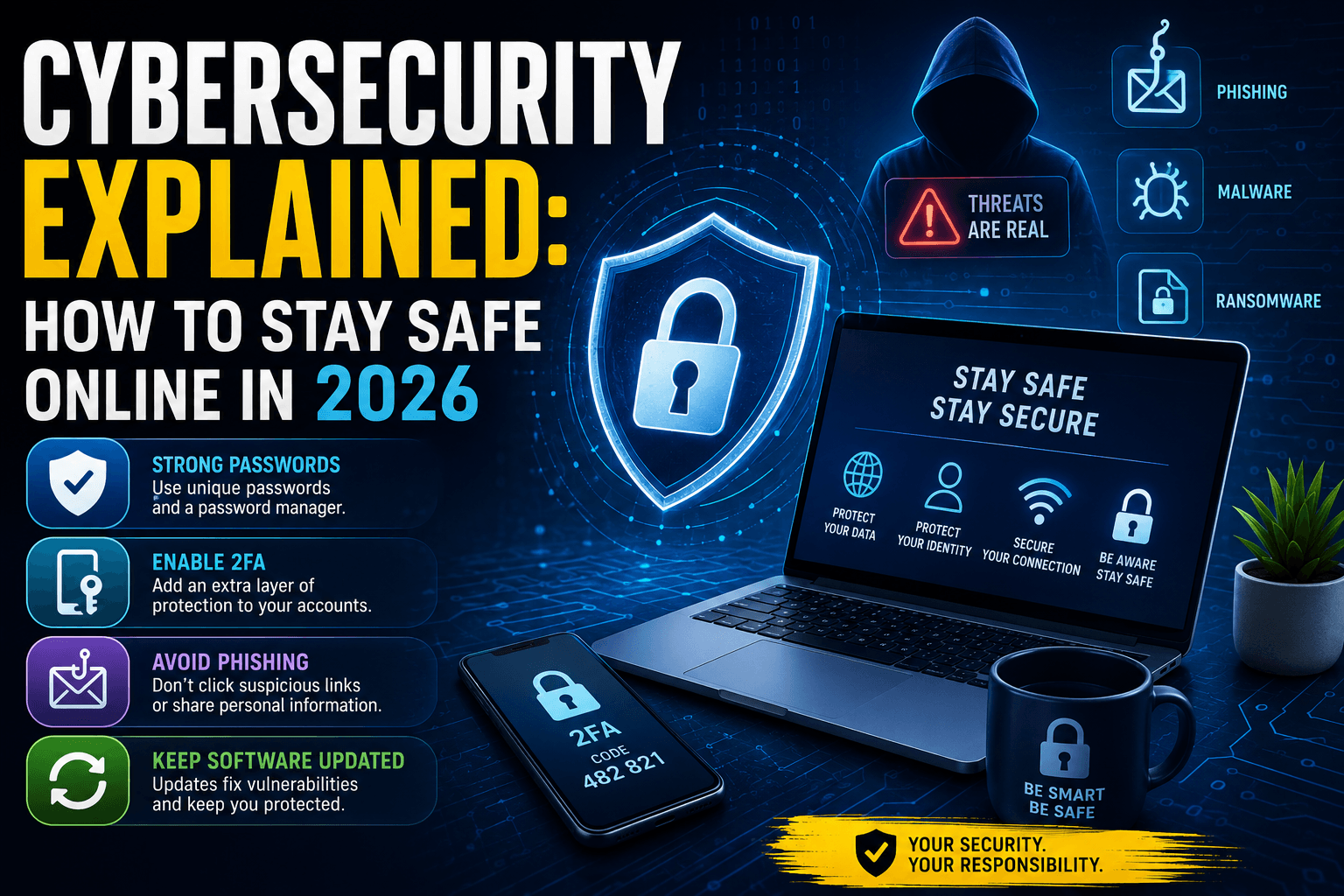
Cybersecurity Explained: How to Stay Safe Online in 2026
As our lives become increasingly digital, cybersecurity has never been more important. From online banking and shopping to social media and cloud storage, we rely on the internet every day. Unfortunately, cybercriminals are becoming more sophisticated, using advanced techniques and even Artificial Intelligence to target individuals and businesses.
Understanding the basics of cybersecurity is essential in 2026 if you want to protect your personal information, devices, and online accounts.
What Is Cybersecurity?
Cybersecurity is the practice of protecting computers, networks, software, and data from cyberattacks. Its goal is to prevent unauthorized access, theft, damage, or disruption of digital systems.
Cybersecurity affects everyone—from individual internet users to large corporations and government organizations.
Whether you’re checking emails or running an online business, cybersecurity plays a critical role in keeping your information safe.
Common Cyber Threats in 2026
Cyber threats continue to evolve each year. Some of the most common risks include:
Phishing Attacks
Phishing scams trick users into revealing passwords, banking information, or personal details through fake emails, messages, or websites.
Ransomware
Ransomware encrypts files and demands payment in exchange for restoring access. Businesses are frequent targets, but individuals can also be affected.
Identity Theft
Cybercriminals steal personal information to access accounts, make purchases, or commit fraud.
AI-Powered Scams
With the rise of AI, criminals can create realistic fake voices, videos, and messages that are harder to detect than traditional scams.
Data Breaches
Hackers target companies and online services to steal customer information, passwords, and financial data.
How to Stay Safe Online
Use Strong Passwords
Create unique passwords for every account and avoid using easily guessed information such as birthdays or names.
A password manager can help generate and store strong passwords securely.
Enable Two-Factor Authentication (2FA)
Two-factor authentication adds an extra layer of security by requiring a second verification step beyond your password.
Even if a password is stolen, 2FA can prevent unauthorized access.
Keep Software Updated
Software updates often include important security patches that protect against newly discovered vulnerabilities.
Regularly update your operating system, browser, apps, and antivirus software.
Be Careful with Emails and Links
Always verify the sender before clicking links or downloading attachments. If something looks suspicious, don’t interact with it.
Protect Your Personal Information
Avoid sharing sensitive information publicly on social media and be cautious when using public Wi-Fi networks.
Why Cybersecurity Matters for Businesses
Cyberattacks can lead to financial losses, operational disruptions, reputational damage, and legal consequences.
Businesses should invest in employee training, data backups, security monitoring, and strong access controls to reduce risks.
As AI and automation continue to grow, cybersecurity will become an even greater priority for organizations of all sizes.
The Future of Cybersecurity
Cybersecurity is constantly evolving to keep pace with emerging threats. Artificial Intelligence is now being used both by attackers and defenders.
Security teams are increasingly relying on AI-powered tools to detect suspicious activity, identify vulnerabilities, and respond to threats in real time.
The future will require a combination of advanced technology, security awareness, and proactive protection strategies.
Conclusion
Cybersecurity is no longer optional—it’s a necessity in today’s connected world. By following simple security practices such as using strong passwords, enabling two-factor authentication, and staying alert to scams, you can significantly reduce your risk online.
In 2026 and beyond, staying informed about cybersecurity will be one of the most valuable digital skills you can develop.