
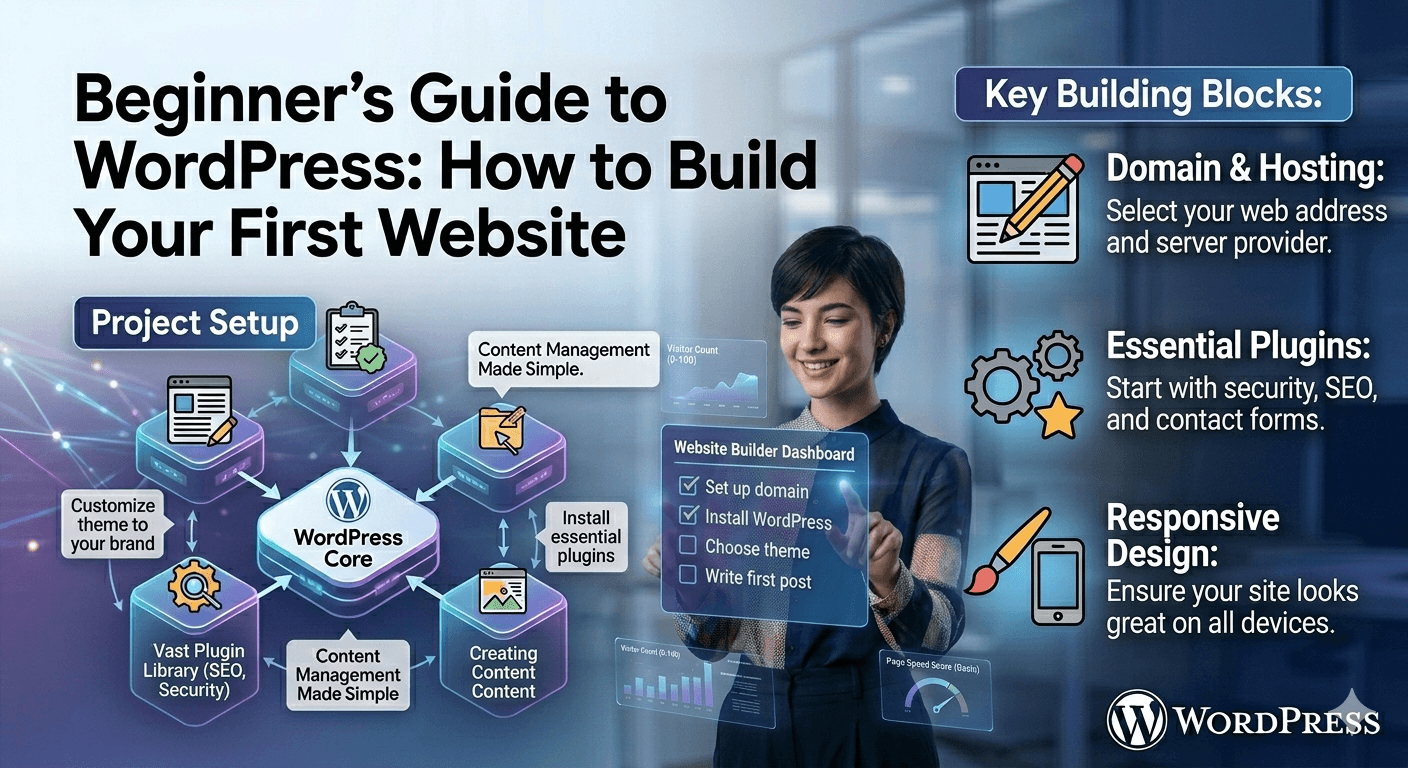
Beginner’s Guide to WordPress How to Build Your First Website
Creating a website used to require advanced coding skills, but today, platforms like WordPress make it possible for anyone to build a professional website without writing code. Whether you want to start a blog, business site, or online portfolio, WordPress is one of the easiest and most flexible tools to begin with.
Step 1: Choose a Domain and Hosting
Before building your website, you need a domain name (your website address) and hosting (where your website lives online). Many providers offer simple one-click WordPress installation, making the setup process fast and beginner-friendly.
Step 2: Install WordPress
Most hosting providers allow automatic installation of WordPress. Once installed, you gain access to the WordPress dashboard, which is the control center for your entire website. From here, you can manage pages, posts, design, and plugins.
Step 3: Pick a Theme
A theme controls how your website looks. WordPress offers thousands of free and premium themes. You can customize colors, layouts, fonts, and styles without coding. Choosing a clean and responsive theme is important for both design and mobile performance.
Step 4: Install Essential Plugins
Plugins add extra features to your website. For beginners, tools like Yoast SEO help optimize your content for search engines, while Elementor allows you to design pages using drag-and-drop editing. These tools make website building much easier and more flexible.
Step 5: Create Core Pages
Every website needs essential pages such as Home, About, Services, and Contact. These pages help visitors understand who you are and what you offer. With WordPress editors or page builders, you can structure content visually and add images, buttons, and sections easily.
Step 6: Customize Your Design
WordPress allows you to fully customize your website appearance. You can adjust layouts, menus, headers, and widgets. This is where you make your website unique and aligned with your brand or personal style.
Step 7: Optimize for SEO and Speed
To make your website visible on search engines, SEO optimization is essential. Plugins like Yoast SEO help guide you in improving titles, descriptions, and keywords. Speed optimization is also important for user experience and ranking.
Step 8: Publish and Maintain
Once everything is ready, you can publish your website and make it live. But building a website is an ongoing process. Regular updates, new content, and security checks keep your site performing well.
Final Thoughts
Building your first website with WordPress is simpler than ever. With the right tools and a step-by-step approach, anyone can create a professional online presence. The key is to start simple, learn gradually, and improve your website over time as your skills grow.m. Diam quam quam suspendisse vitae consequat phasellus non odio morbi bibendum odio libero.