
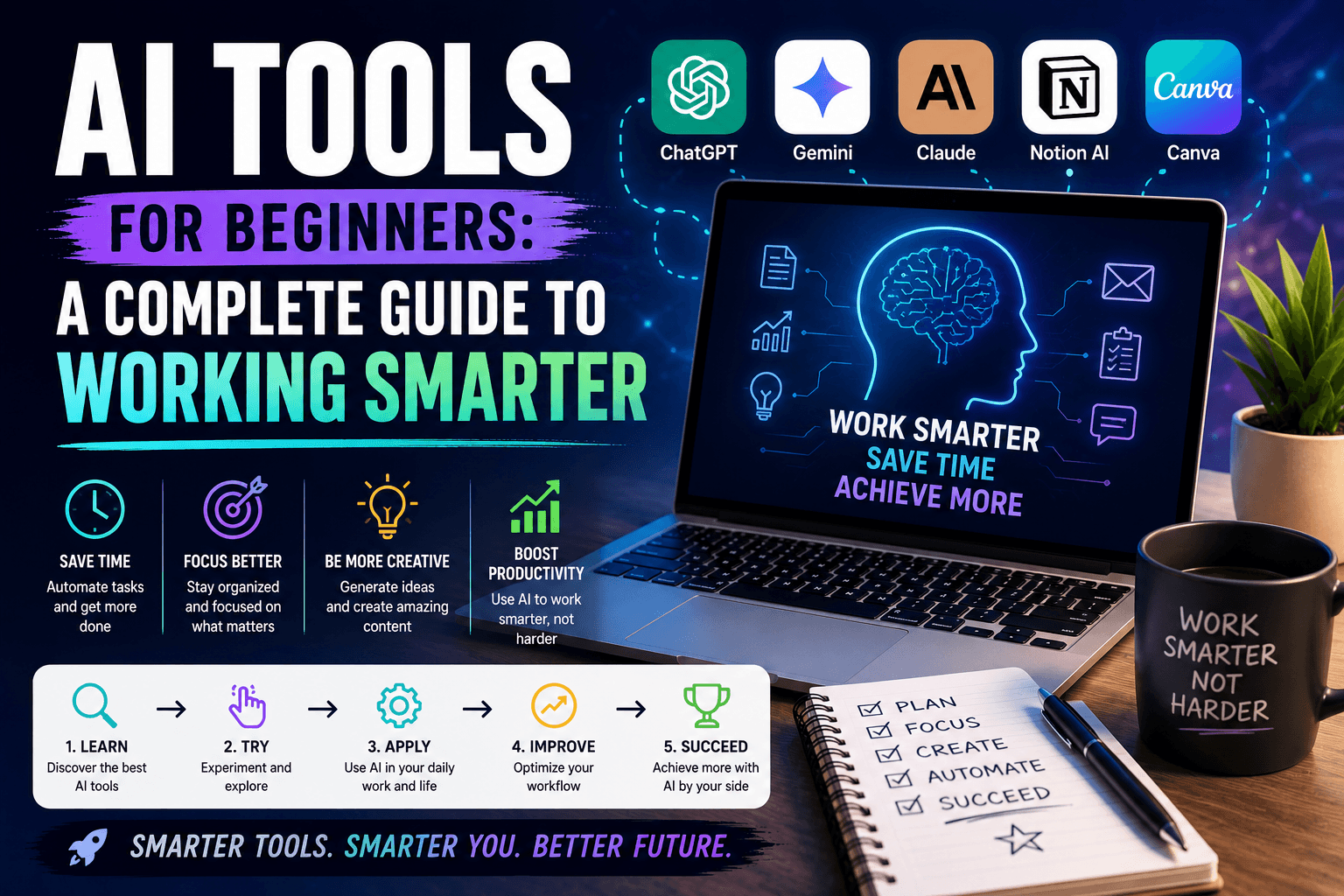
AI Tools for Beginners: A Complete Guide to Working Smarter
Artificial Intelligence is transforming the way we work, learn, and create. What once seemed like futuristic technology is now available to anyone with an internet connection. Whether you’re a student, entrepreneur, employee, or content creator, AI tools can help you save time, increase productivity, and simplify everyday tasks.
If you’re new to AI, this guide will introduce you to the most useful tools and show you how to start working smarter in 2026.
What Are AI Tools?
AI tools are software applications powered by artificial intelligence that can perform tasks such as writing, researching, designing, analyzing data, and automating workflows. Instead of spending hours on repetitive work, AI can help you complete tasks in minutes.
The best part? Many AI tools are beginner-friendly and require no technical skills.
Why Beginners Should Start Using AI
Learning how to use AI is quickly becoming an essential digital skill. AI can help you:
- Save time on repetitive tasks
- Generate ideas and content faster
- Improve productivity
- Learn new topics more efficiently
- Automate parts of your work
Rather than replacing people, AI works best as a powerful assistant that helps you achieve more.
ChatGPT – The Best Place to Start
ChatGPT is one of the most popular AI tools available today. It can answer questions, generate content, explain concepts, create plans, write emails, and even help with coding.
Best for:
- Content creation
- Brainstorming ideas
- Learning new topics
- Writing emails and reports
- Productivity support
For most beginners, ChatGPT is the easiest and most versatile AI tool to start with.
Gemini – AI Powered by Google
Gemini is Google’s AI assistant and integrates with many Google products. It can help users create content, summarize information, and work more efficiently within Google’s ecosystem.
Best for:
- Google Workspace users
- Research and information gathering
- Document creation
- Productivity tasks
If you regularly use Gmail, Google Docs, or Google Sheets, Gemini can become a valuable assistant.
Claude – Ideal for Reading and Analysis
Claude is known for its ability to process large amounts of information. It can analyze lengthy documents, summarize reports, and provide detailed explanations.
Best for:
- Students
- Researchers
- Business professionals
- Document analysis
When you need deeper insights from long documents, Claude is an excellent choice.
Canva AI – Create Professional Designs Easily
Not everyone is a designer, but Canva AI makes visual content creation simple. It helps users create social media graphics, presentations, banners, and marketing materials with minimal effort.
Best for:
- Social media content
- Marketing materials
- Presentations
- Visual branding
Even complete beginners can create professional-looking designs within minutes.
NotebookLM – Your AI Study Partner
NotebookLM helps users interact with their own documents and notes. You can upload PDFs, research materials, and articles, then ask questions and receive summaries.
Best for:
- Studying
- Research
- Knowledge management
- Organizing information
It’s one of the most useful AI tools for learning and personal productivity.
Tips for Getting Better Results with AI
Using AI effectively is all about asking better questions. Instead of giving short instructions, provide clear details and context.
For example:
❌ “Write a blog post.”
✅ “Write a 1,000-word blog post about AI tools for beginners, including practical examples and subheadings.”
The more specific your prompt, the better the results.
Common Mistakes Beginners Should Avoid
Many new users expect AI to provide perfect answers every time. While AI is incredibly powerful, it’s important to:
- Verify important information
- Review AI-generated content
- Provide detailed instructions
- Experiment with different prompts
Think of AI as a collaborator rather than a replacement for human judgment.
Final Thoughts
AI tools are becoming essential for modern work and learning. Platforms like ChatGPT, Gemini, Claude, Canva AI, and NotebookLM make it easier than ever to improve productivity, create content, and manage information.
The best way to learn AI is by using it. Start with one or two tools, experiment with simple tasks, and gradually expand your skills. By embracing AI today, you’ll be better prepared for the future of work and technology in 2026 and beyond.