
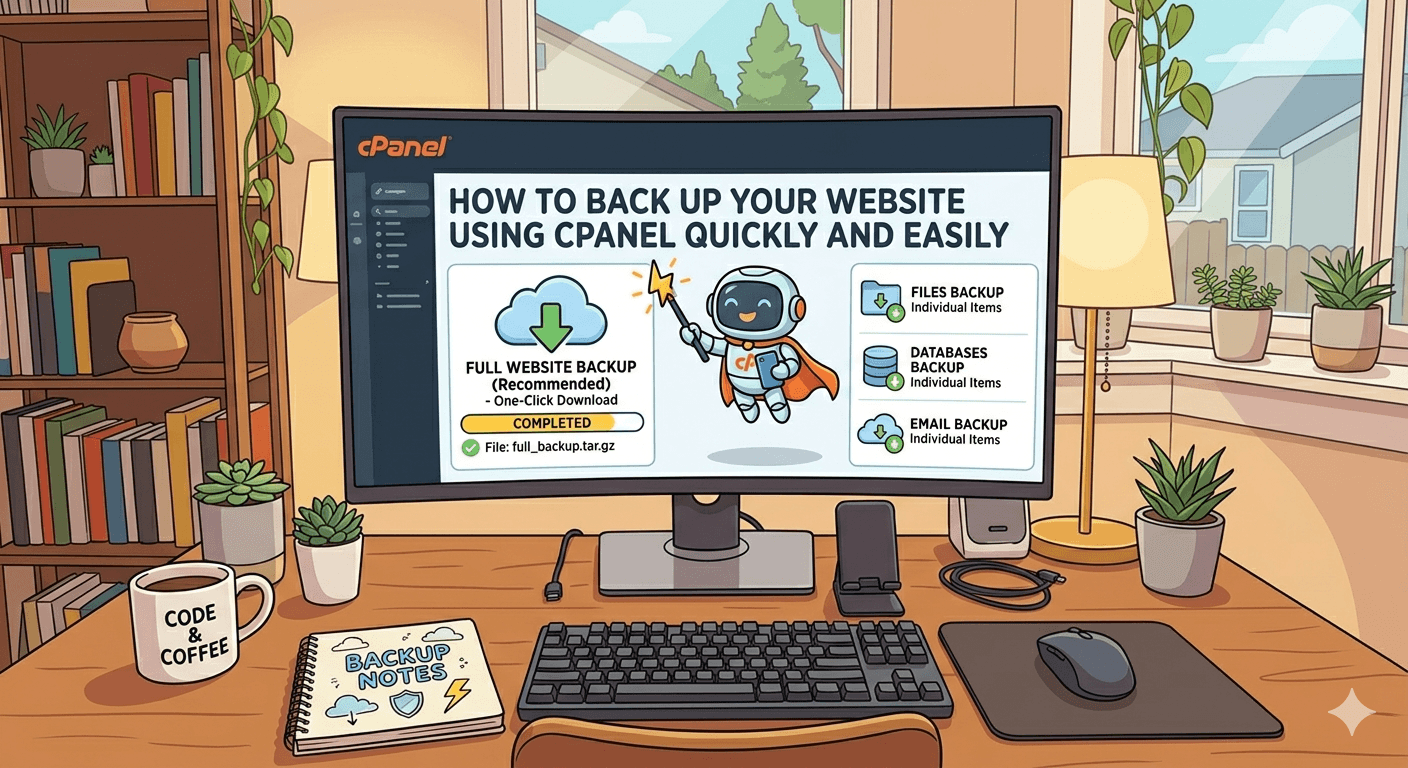
How to Back Up Your Website Using cPanel Quickly and Easily
Backing up your website is one of the most important steps in maintaining a secure and reliable online presence. Whether you run a blog, business site, or online store, unexpected issues like hacking, server crashes, or accidental file deletion can happen at any time. Fortunately, cPanel makes the backup process simple, fast, and accessible even for beginners.
To start, log in to your cPanel account and locate the Backup or Backup Wizard section. The Backup Wizard is especially user-friendly because it guides you step by step. Once inside, you can choose between a full backup or partial backups depending on your needs.
A full backup includes all website files, databases, email accounts, and configurations. This is ideal if you want a complete snapshot of your website. However, full backups are mainly used for downloading and restoring your entire account. You typically generate it and then store it safely on your computer or cloud storage.
If you only need specific parts of your website, cPanel also allows partial backups. You can download your home directory, MySQL databases, or email forwarders and filters separately. This is useful when you want faster backups or need to restore only one component of your site.
To ensure maximum safety, it’s recommended to schedule regular backups. While cPanel itself may not always automate this depending on your hosting provider, many hosts offer automatic backup solutions integrated with cPanel. Always check your hosting settings for this option.
Another important tip is to store backups in multiple locations. Don’t rely only on your hosting server. Download copies to your local computer or use cloud storage services for extra protection.
Restoring your website is just as easy. In the Backup section, you can upload your backup file and restore your site within minutes, bringing everything back to its previous state.
By using cPanel’s backup tools effectively, you protect your website from data loss, reduce downtime, and ensure peace of mind. Regular backups are not just a good practice—they are essential for any serious website owner.